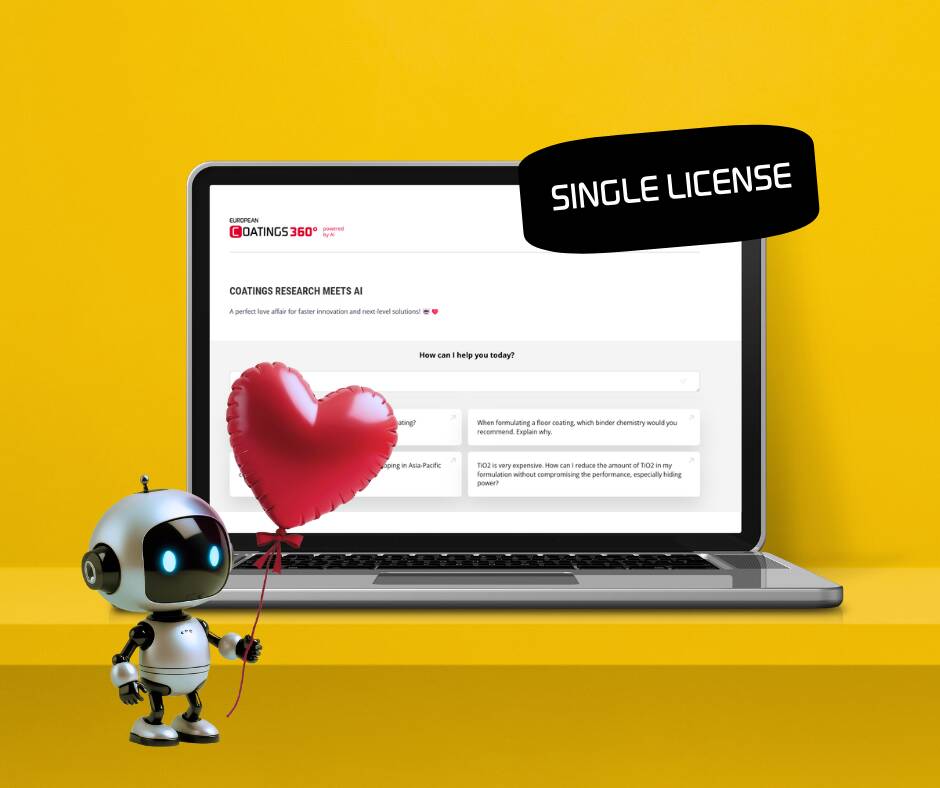
EC 360° powered by AI: TEAM LICENSE

2.500,00 

Description

A PERFECT LOVE AFFAIR FOR FASTER INNOVATION AND NEXT-LEVEL SOLUTIONS!

Make your team stay ahead in coatings innovation with EC 360° POWERED BY AI, the ultimate knowledge hub from EUROPEAN COATINGS! Whether you are fine-tuning a coatings formulation, looking for raw material alternatives, or facing other coatings-related challenges – this smart AI bot supports you with instant, expert-backed answers to your toughest technical questions!

EC 360° POWERED BY AI leverages the full depth of all EC LIBRARY textbooks and all issues of the EC JOURNAL – combining intelligent technology with trusted sources for coatings professionals worldwide.

Unlock AI-powered expertise at your fingertips – register your entire team for full access to EC 360° POWERED BY AI!

  • 5- and 10-people team licenses can be purchased directly on this site.
  • For larger or global corporate license requests, please send us a message to info@european-coatings.com and we will get back to you with your individual offer.

Details

Format: Multi-user access to digital AI research database

Runtime unlimited with annual advance invoicing. Your subscription can be cancelled at any time including partial refund for the remaining editions.

Follow these steps to give your team access to EC 360° and manage your team members:

Step 1: Purchase your TEAM LICENSE

  • Select the number of licenses you need and add the product to your cart.

  • Proceed to checkout and create your account during the process.
    (This account is required to manage your team later.)

  • After completing the purchase, you’ll receive an email with a link to set your password.

Step 2: Open the License Manager on your Profile Page

  • Go to your Profile Page by clicking the profile icon in the top-right corner of the site.

  • Under the Subscriptions menu, you’ll find all your active subscriptions, including your TEAM LICENSE.

Step 3: Add your team members

You have two options to add users:

  1. Add individually – Enter each team member’s email address.

  2. Add in bulk – Upload a CSV file with multiple email addresses.

How does it work for my sub users?

  • If a team member already has an account (e.g., they’ve purchased a product before), their existing account will automatically be linked to your TEAM LICENSE, and they’ll get instant access.
  • If they don’t have an account, the system will create one for them.

    • They’ll receive an email invitation with instructions to set a password.

    • After setting their password, they’ll immediately have access to all content.